One Platform,
Endless Configurations

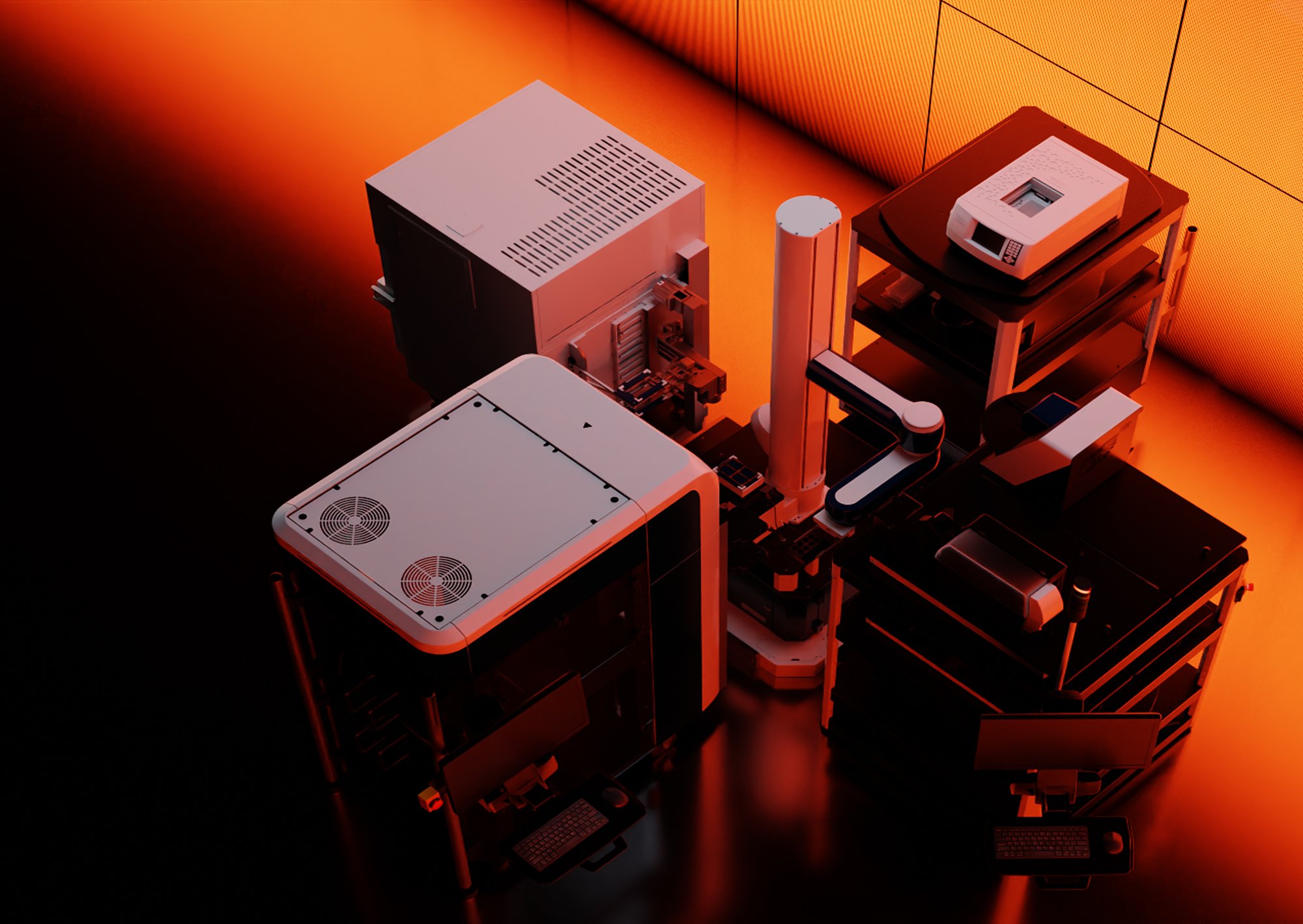
Nucleus Lab Automation Systems are
engineered to reconfigure as fast
as your scientific research evolves.

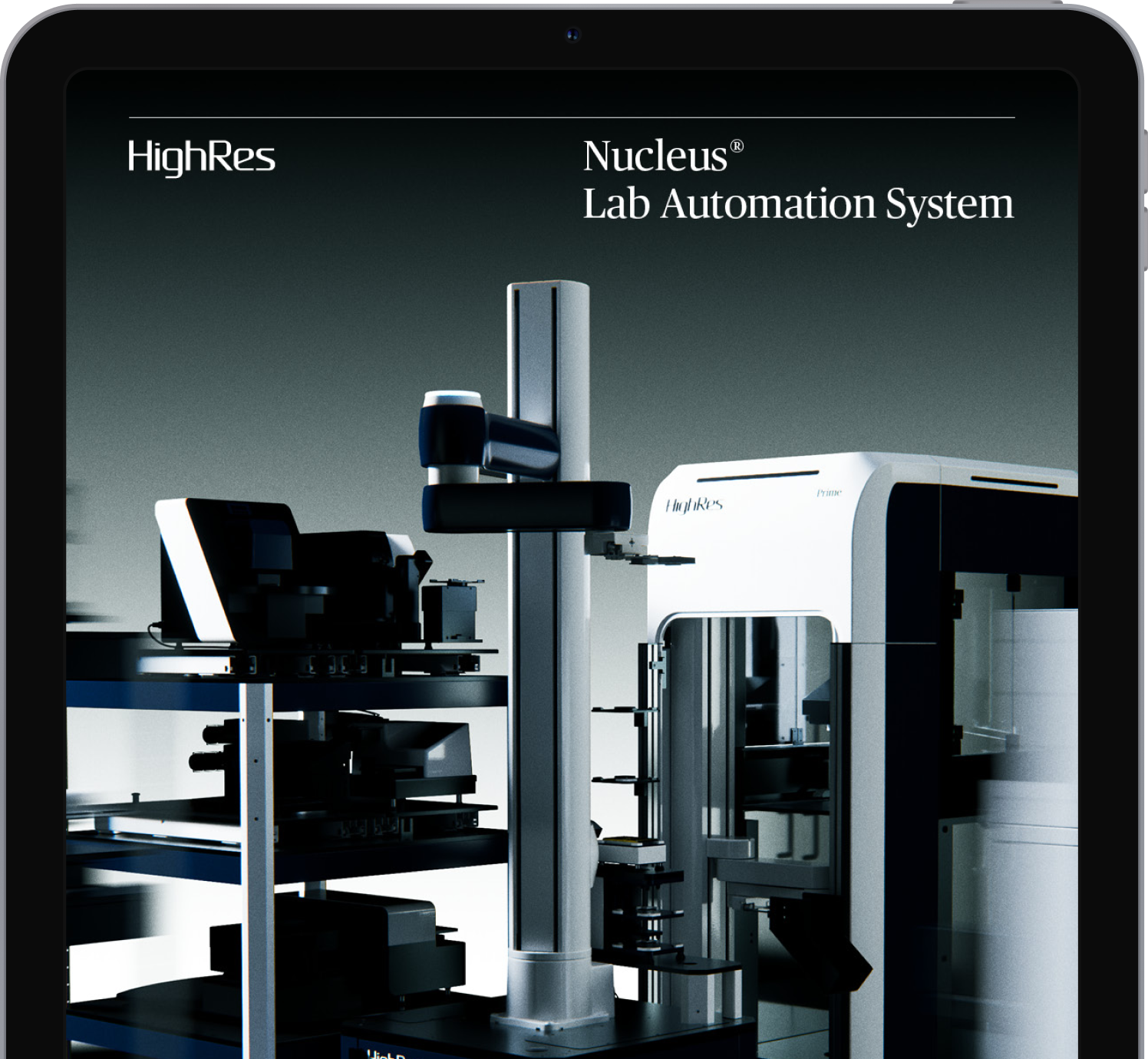
Nucleus-Hero

A System Designed to
Evolve with Your Science

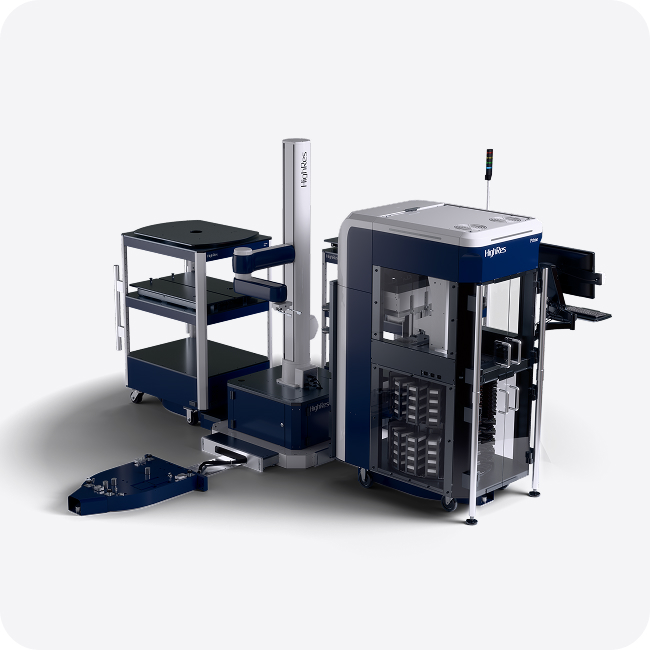
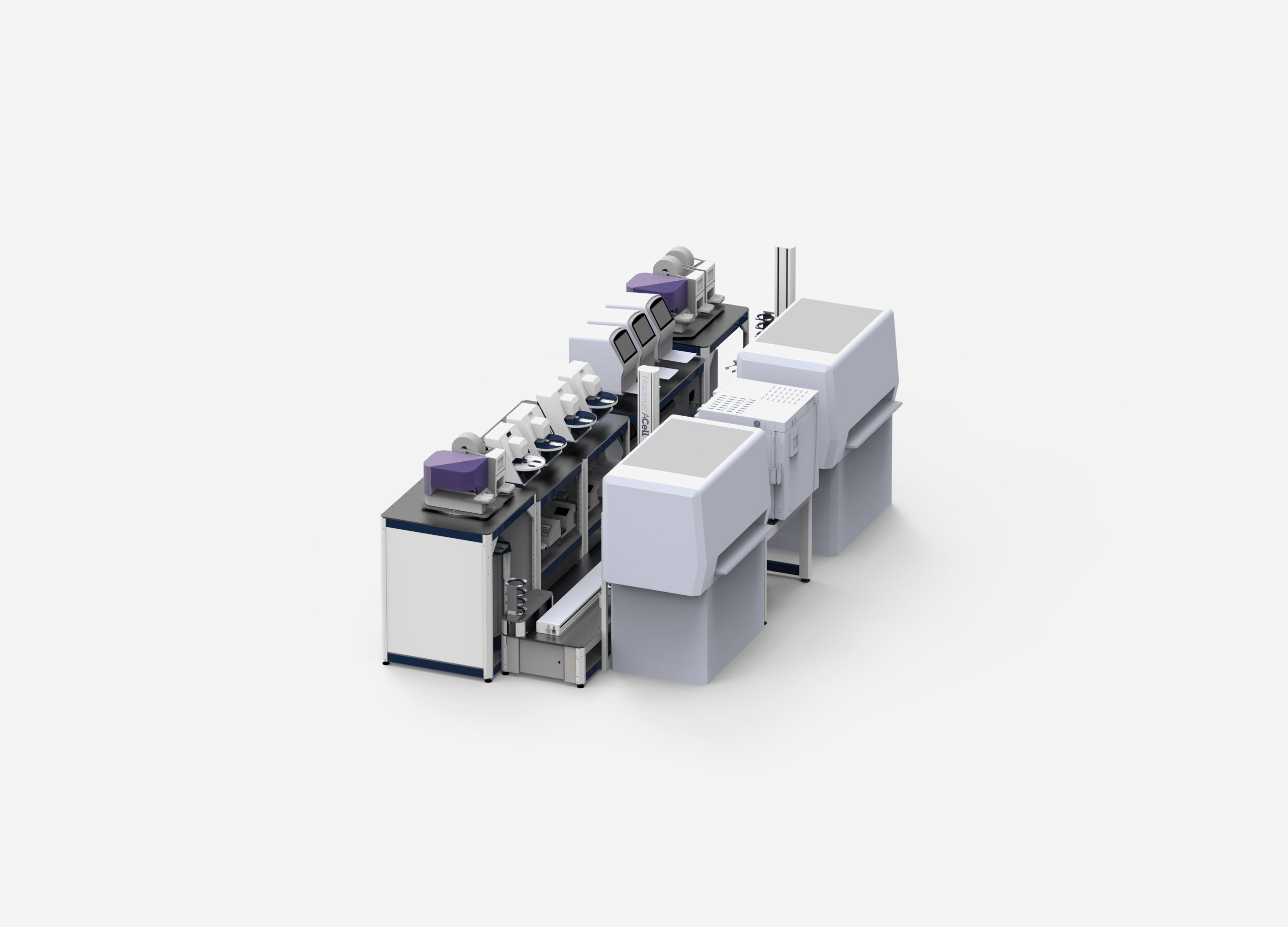
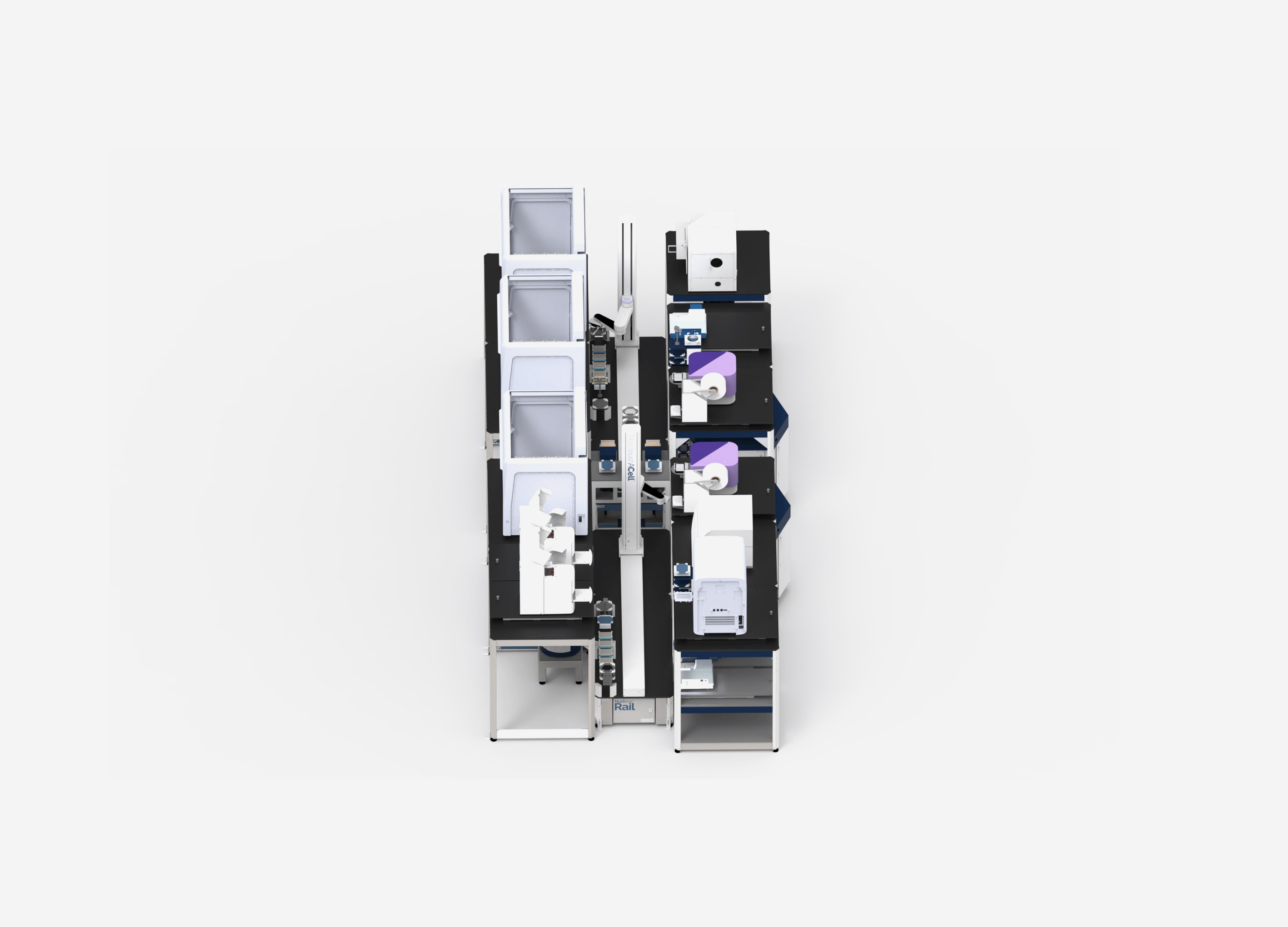
Nucleus reduces risk through standardization, giving every project a proven foundation. Built with modularity at its core, it’s the only automation platform that can be effortlessly reconfigured to meet the evolving needs of your lab and your science.

Introducing Perception: The Easiest Way to Teach and Run HighRes Robots

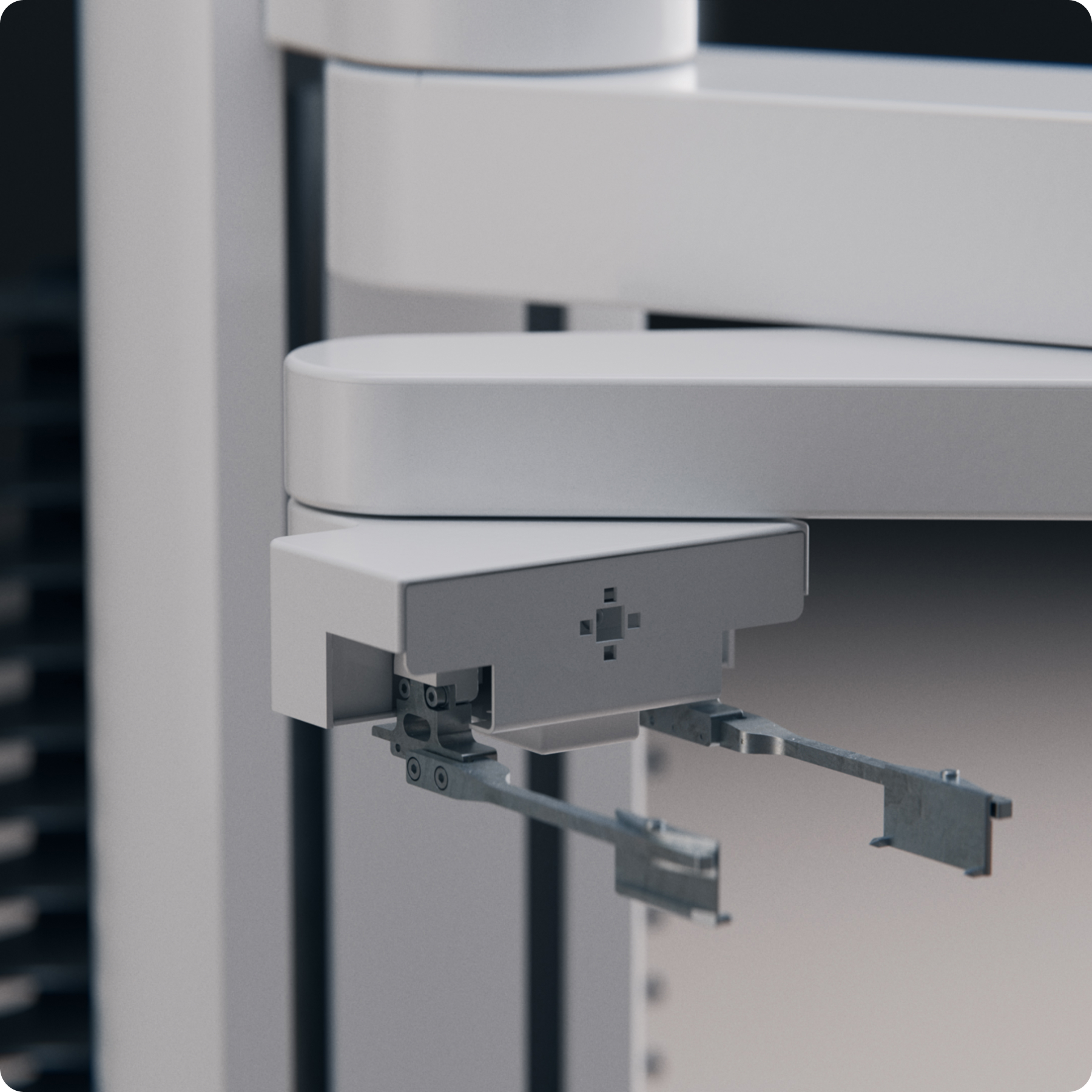
Robot Perception transforms vision technology into an intuitive automation experience. By giving robots the ability to see, understand their environment, and respond intelligently, Perception makes teaching and operating HighRes robots faster, easier, and more reliable.

Built on advanced vision technology and deeply integrated into the HighRes eco-system, Perception enables automatic robot teaching, system and device setup vali-dation, and proactive detection and recovery of errors before they disrupt a workflow.


Nucleus-Vision

Let’s Start Your
Automation Journey

Whether you're new to automation or looking to optimize your existing workflows, this comprehensive guide covers everything from initial planning to successful deployment.

From biologists to automation engineers, this e-book meets you wherever you are in your automation journey.

Nucleus-eBook

How To Build
A Nucleus System

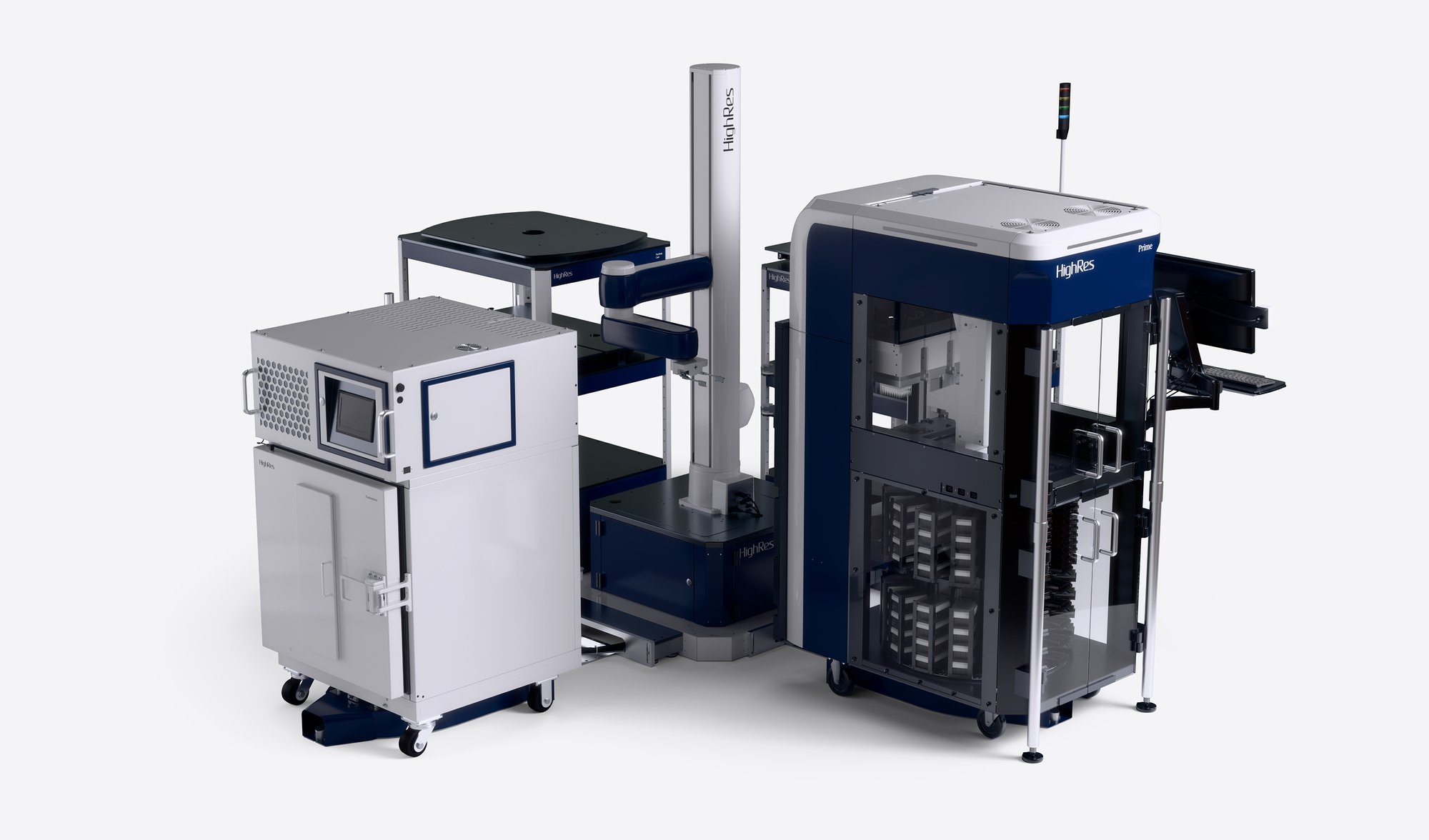
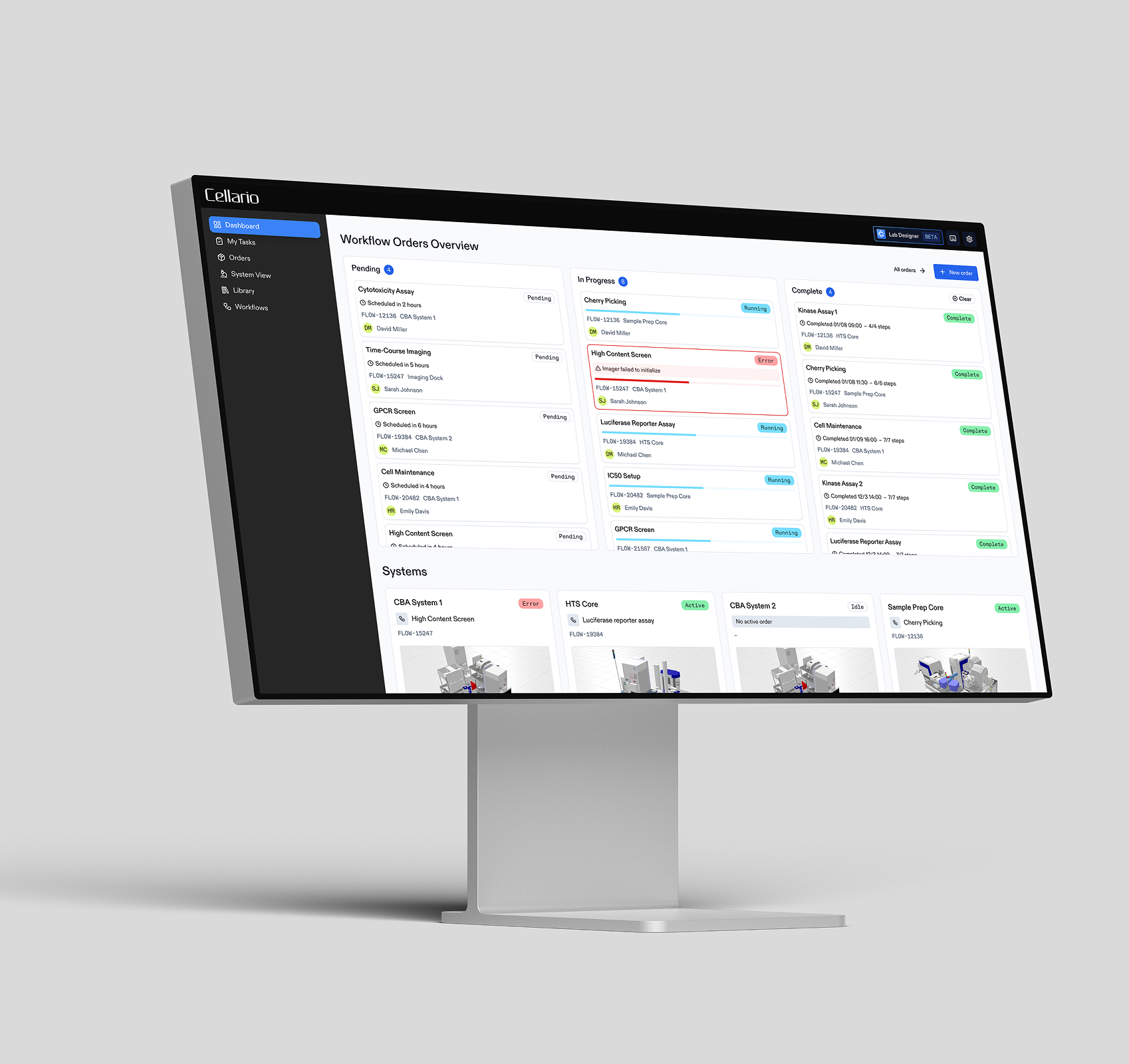
Nucleus is a modular laboratory automation platform designed to scale with science. Paired with Cellario Platform, Nucleus is a powerful platform that brings standardized hardware, workflows, data, and HighRes expertise together into a single, cohesive system. Design your ideal Nucleus system by combining flexible, interoperable components into a solution tailored to your science.

Nucleus Workcell

1. Choose Your Robot

Every Nucleus system begins with a collaborative robotic arm selected to support laboratory automation workflows. These standard robots are used to move plates and labware safely and efficiently between instruments, forming the operational core of each automated workcell.

Robots can be mounted on a stationary pod or integrated with a linear rail system that extends reach across multiple tables and carts. The result is a flexible foundation that can be configured for current workflows and expanded as automation needs grow.

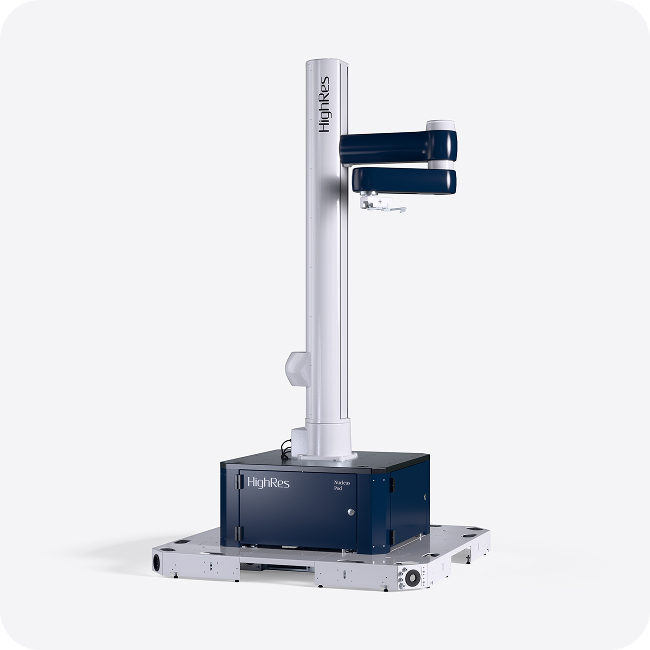
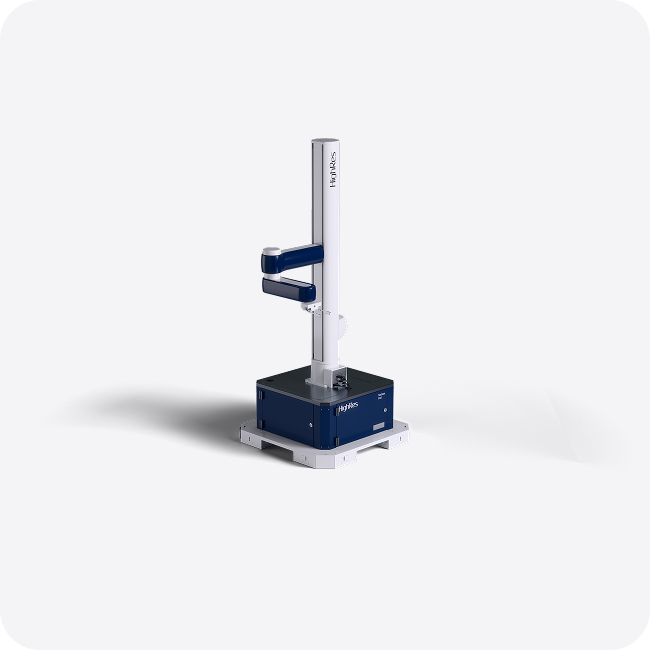
Pod

Pods

The foundational element of a Nucleus System. A Pod provides a rigid, fixed base platform where the robotic arm is stably mounted, establishing the mechanical reference point for the entire workcell. From this foundation, tables and carts that house scientific instruments interface in a standardized, repeatable way, enabling reliable robot access. ACell, MCell, and ZCell Arms can be mounted on Pods.
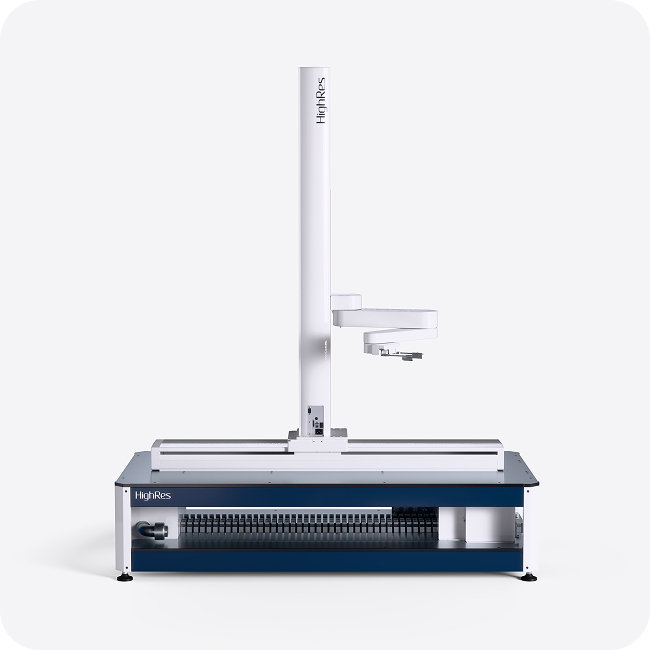
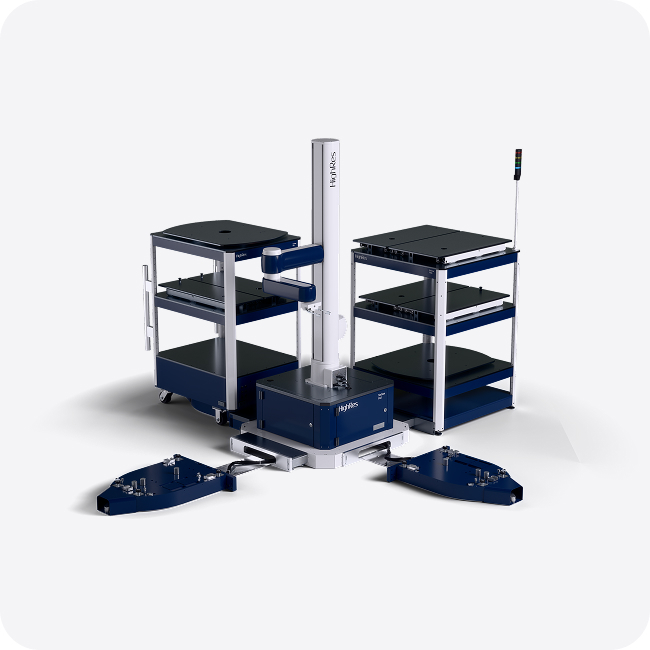
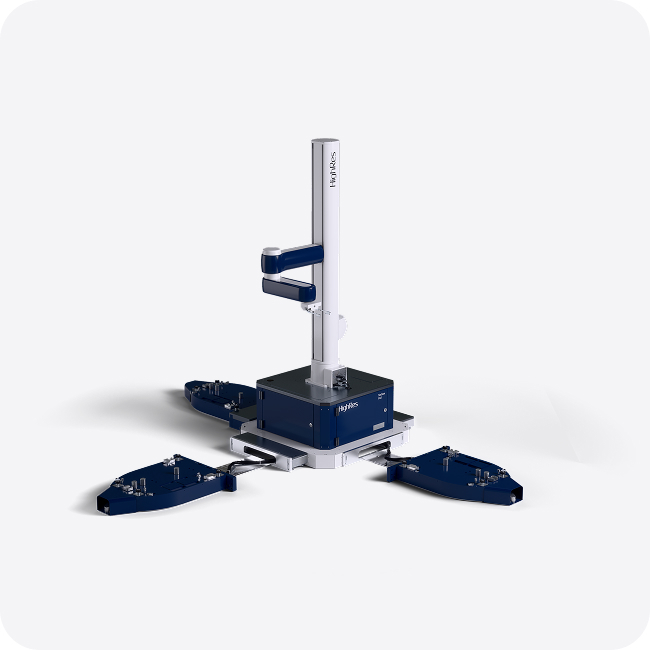
Rail

Rails

For Nucleus Systems that require integration of more instruments, a Rail can be chosen as the foundational element. The robot is mounted directly to the Rail, extending its working envelope and increasing the number of devices it can reach along a defined axis. This enables a single robot to service multiple tables and carts while maintaining consistent alignment, accuracy and repeatability. ACell and MCell Arms can be mounted on Rails.
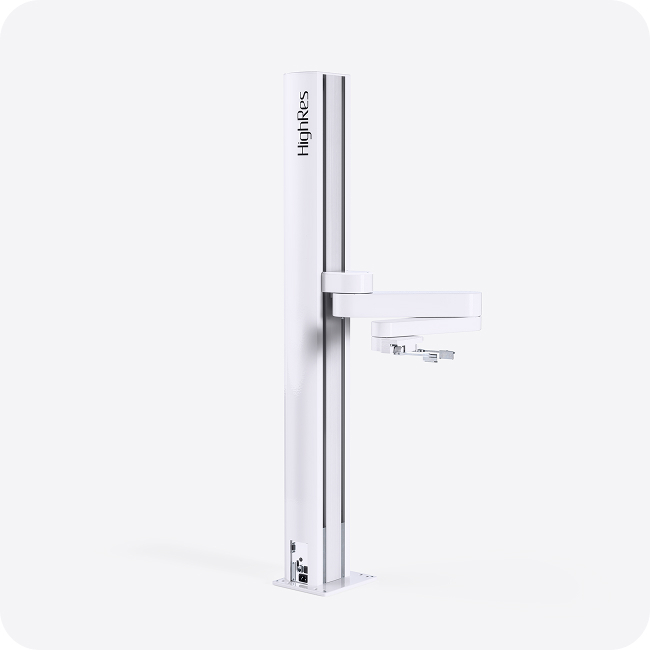
ACell

ACell Arm

A compact collaborative robotic arm designed for laboratory automation workflows that require a small footprint.
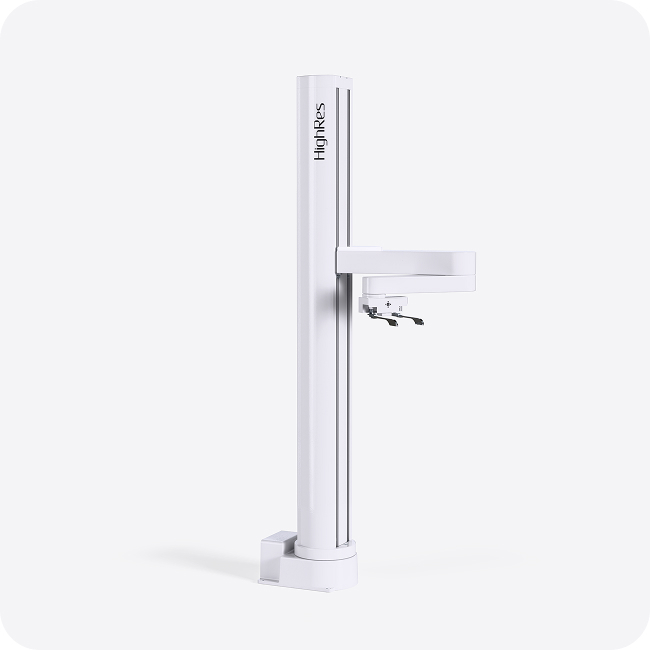
MCell

MCell Arm

A collaborative robotic arm that balances footprint and reach.
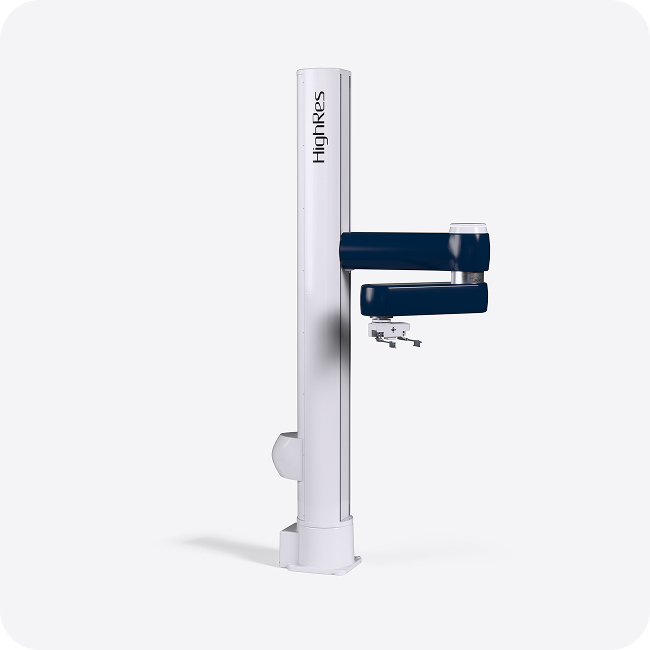
ZCell

ZCell Arm

A high-performance collaborative robotic arm designed for large-scale and more complex automation systems. ZCell offers extended reach.
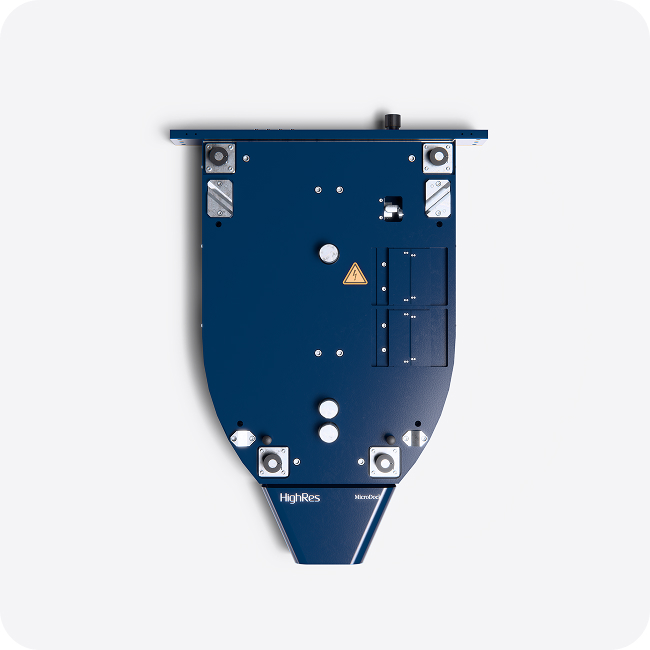
2. Configure Tables and Carts

Build your system using modular tables anddockable carts designed around the Micro-Dock interface. This architecture enables rapid reconfiguration of Nucleus systems tosupport ever-evolving science.

MicroDock

MicroDock

MicroDock provides a standardized mechanical and electrical interface that allows carts and devices to dock with repeatable accuracy. Integrated power, communication, and gas connections ensure consistent alignment, reliable robot access, and fast, predictable system reconfiguration.
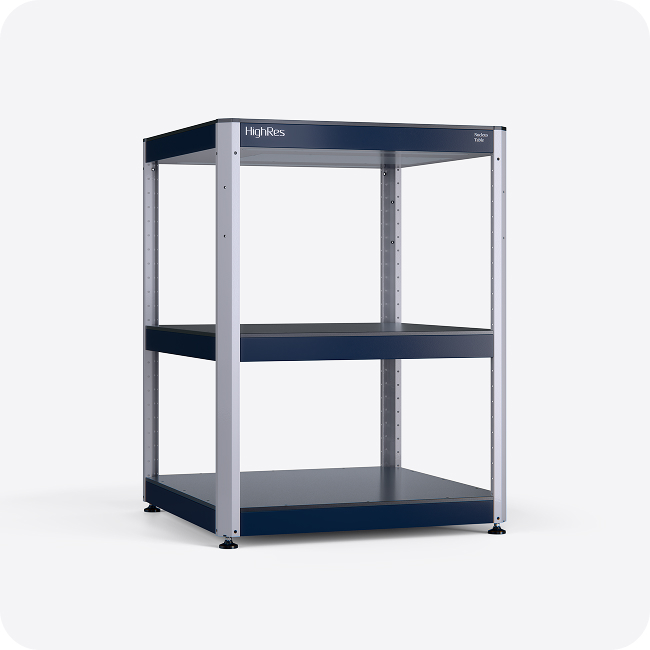
Table

Tables

Fixed-position work surfaces that provide mechanical stability and precise alignment for robotic access. Tables establish consistent reference points for instruments and support seamless integration of bench top devices within a Nucleus System. Configurable with shelving or slide/turntable accessories to enable further flexibility and user access.
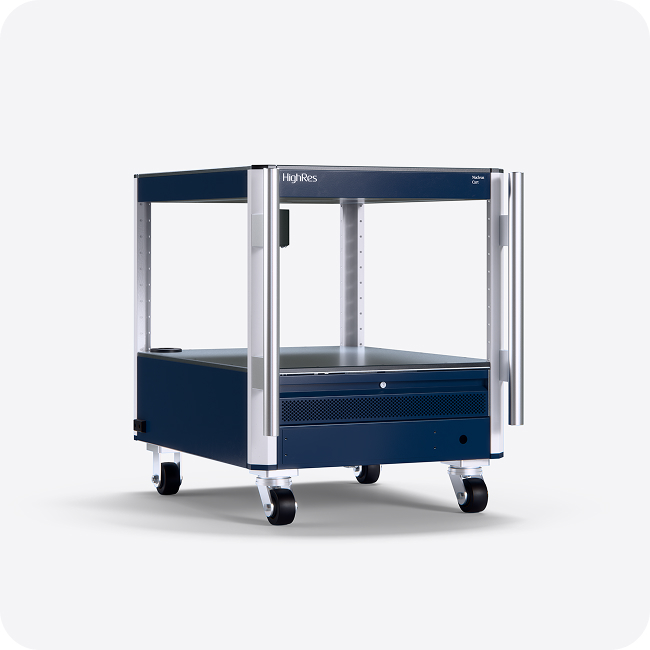
Cart

Carts

Mobile, dockable platforms built around the MicroDock interface. Carts allow instruments to be wheeled into position and locked into automated workflows with repeatable positioning and integrated utilities.
3. Reconfgure

Adapt your system as science changes. Instruments can be exchanged, layouts adjusted, and workflows expanded using modular components and repeatable interfaces.

With standardized mounting and MicroDock-based positioning, your workcell can be reconfigured predictably and efficiently. Scale capacity, introduce new instruments, or shift workflows without disrupting operations or rebuilding the system.

Nucleus-1
Nucleus-2
Nucleus-3
Nucleus-4

Have a question about building the right system for your lab?

Get in touch. We’ll help you find the right automation solution for your lab.

→ Get In Touch

Modularity Built Into the System

MicroDock is a space-saving docking station that connects mobile carts to automation systems as part of a Nucleus Automation System with standardized power, data, and utility interfaces. By rolling a cart onto a MicroDock, devices instantly integrate into the automated system without manual reconnecting or reteaching positions, making it easy to reconfigure workflows as your science evolves.

Lab Automation Articles

The HighRes Blog connects science, technology, and the humans behind discovery.

Cellario-CTA-1

From Automation
to Orchestration

CellarioOS unifies every part of the lab: hardware, software, and data into one seamless platform.