FlexPod™
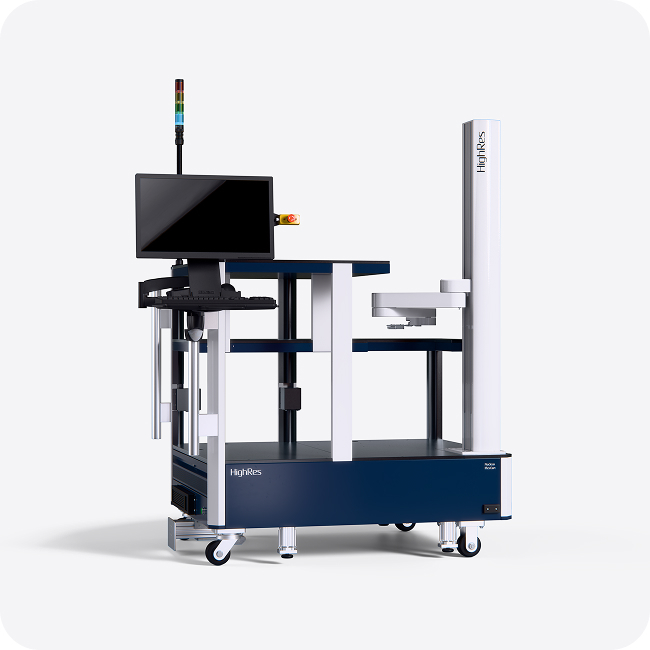
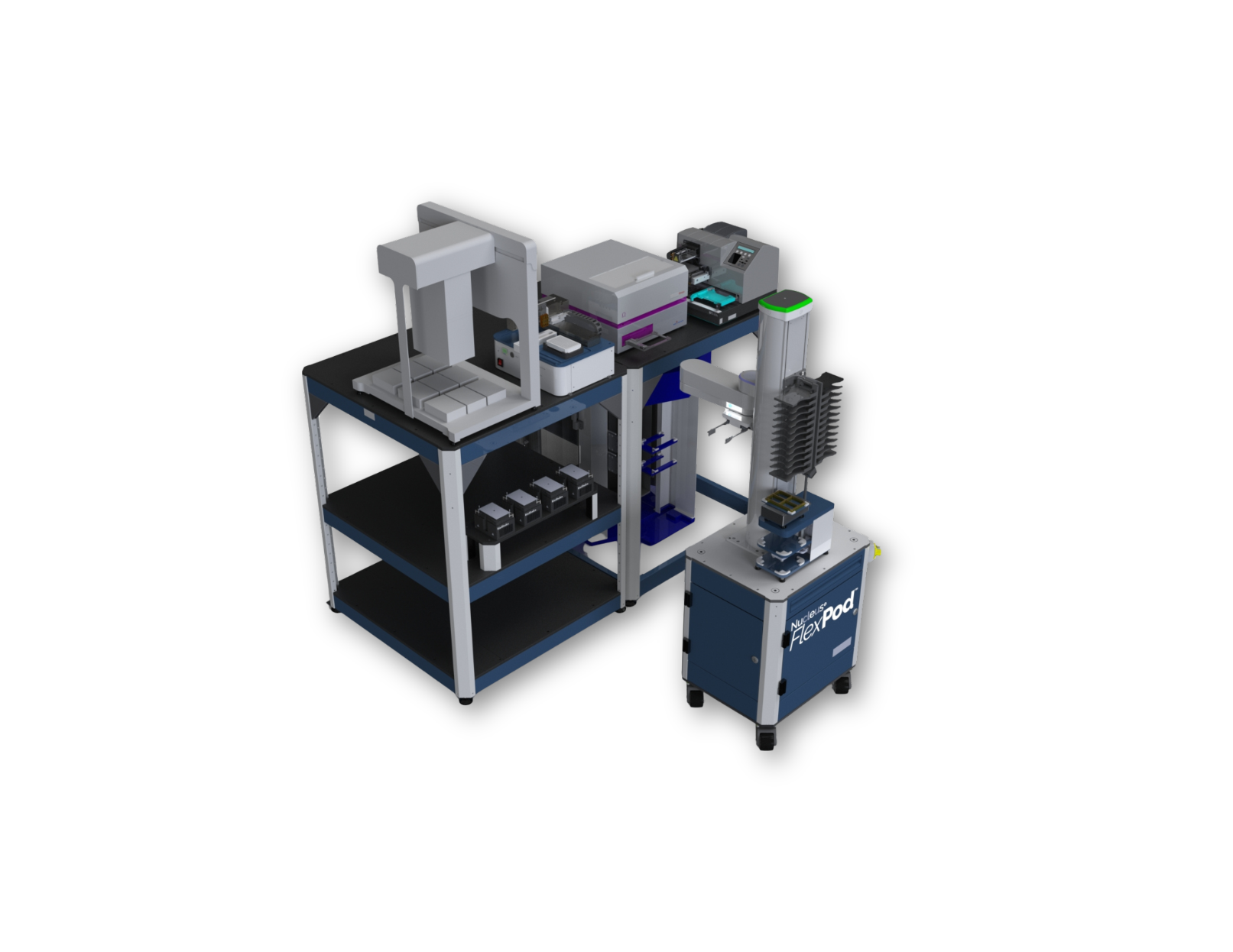
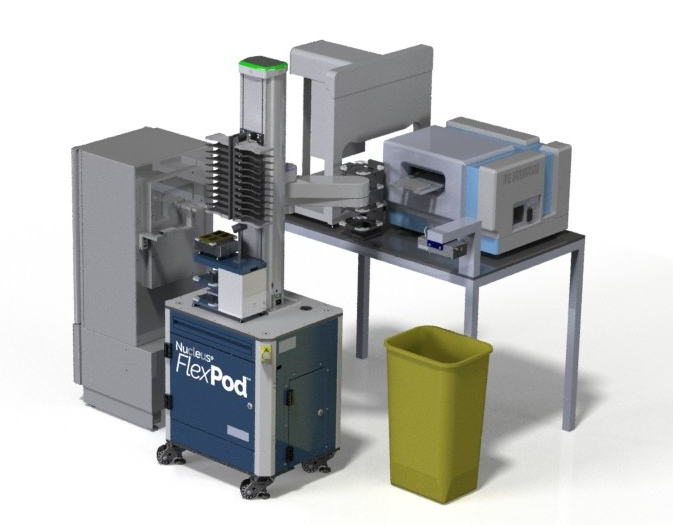
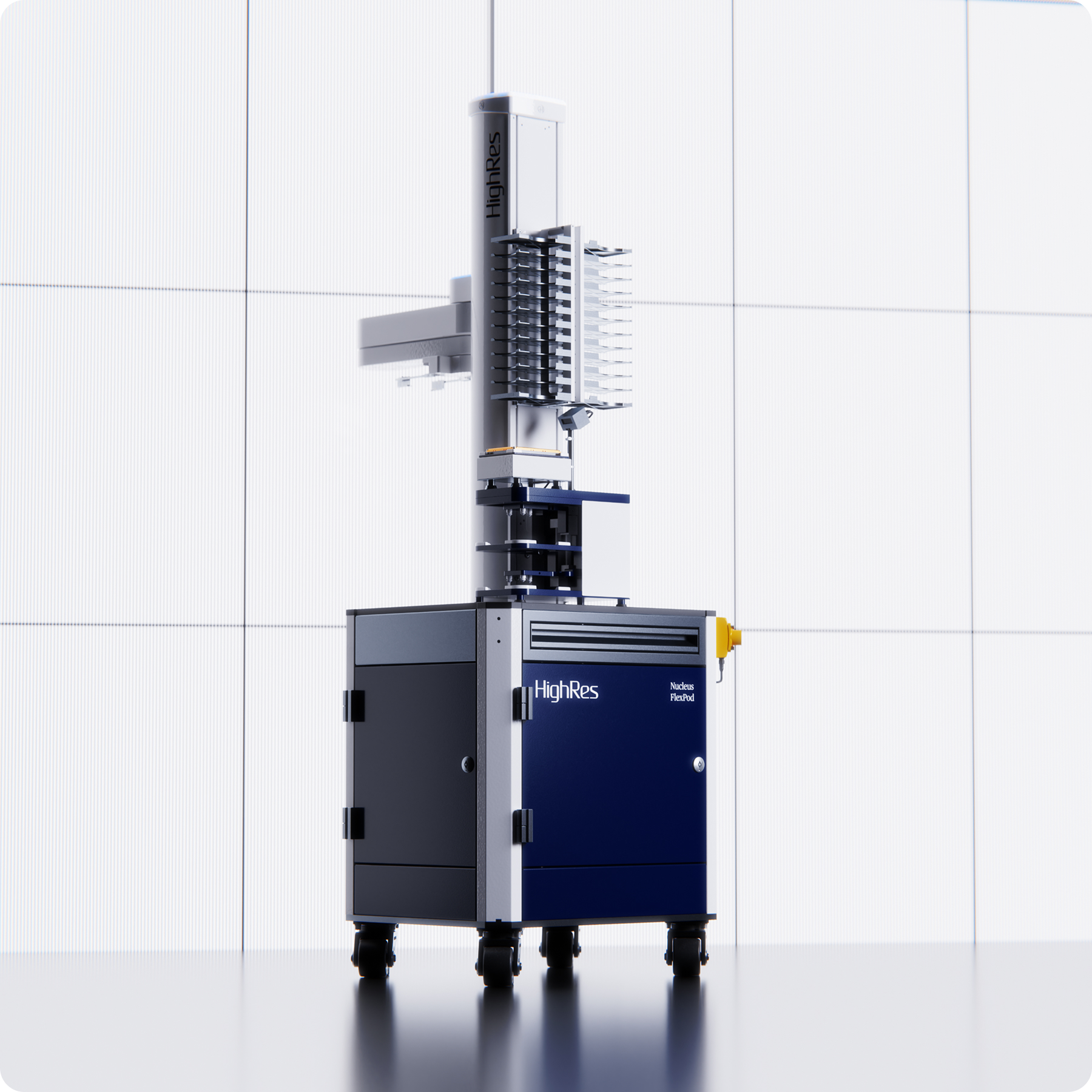
FlexPod is a compact, configurable lab automation platform. It delivers automation that can be redeployed across the lab as needed while preserving valuable space.

Automation Made Accessible
A simple, flexible entry point into laboratory automation, designed to fit your space, workflows, and pace.
Deploy &
Re-Deploy
Easily relocate the FlexPod to a new bench, lab, or building, making it an ideal lab automation platform for on-demand, flexible workstations.
Powerful
Scheduling
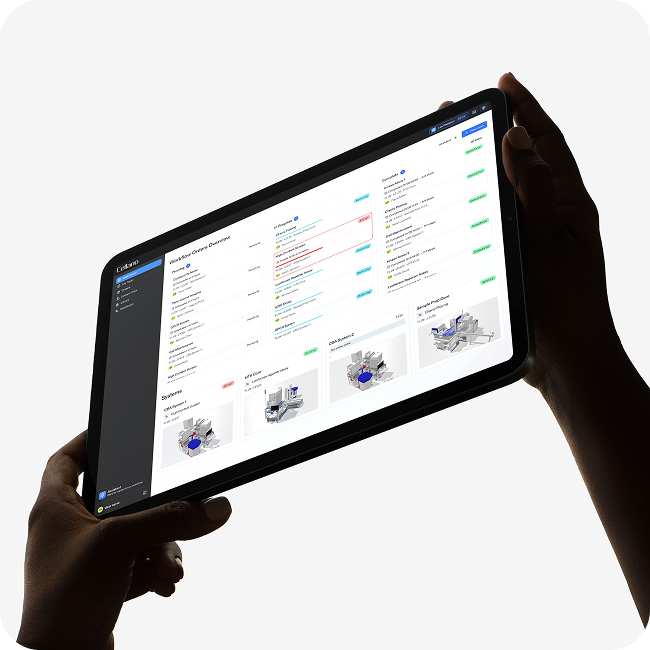
Control the FlexPod using Cellario Scheduler for intuitive protocol definition, simulation, execution, and error handling.
Comprehensive Driver Library
FlexPod is compatible with the full library of Cellario Drivers making it the perfect entry point for any automated workflow.
Cost & Space
Efficient
FlexPod delivers the power of HighRes lab automation in an accessible form factor for any organization interested in increasing their workflow productivity, efficiency, and reproducibility.
Have a lab automation question or need guidance?
Contact us today for expert insights and suggestions. We can help optimize an automated system specific to your lab and needs.
→ Get In TouchFlexPod
Product Specifications
Device Capability: |
3-5 devices, depending on type and size |
Ambient Storage Stacker Options: |
3, 5, 12-pitch random access or serial stackers |
Z-Axis Travel: |
750 mm (29.5 in) |
Horizontal Arm Reach: |
731 mm (28.8 in) |
Robotic Arm Positional Repeatability: |
±0.2 mm (±0.008 in) |
Payload Capacity: |
0.5 kg (1.1 lb) |
Pneumatics: |
1 input port, 0.25 in tubing, max 120 PSI compressed air |
Included Accessories: |
Cellario laptop, PlateOrient, MS-3 barcode scanner, teach plate |
Dimensions (H x W x L): |
737 x 508 x 660 mm (29 x 20 x 26 in) plus 13 mm (0.5 in) height adjustability for leveling |
Height with Robot: |
1778 mm (70 in) |
Weight: |
100 kg (220 lb) |
Power: |
120/240 VAC 15/10 A |
Electrical and Communications Panel: |
8-port MOXA 10-port Ethernet switch ADAM, USB |
FAQs
Yes! With its pre-configured drivers and full device setup instructions, FlexPod is designed to offer plug-and-play convenience to users of any skill level. Even novice users can be up and running in minutes.
While the robotic arm generally comes bolted to the center of the pod base, it may be offset to one side for additional aisle clearance. This, however, limits the on-deck devices that can be accommodated. Please contact your HighRes sales representative to determine which robotic arm configuration is best for your needs.
A PlateOrient, barcode scanner, and two labware stackers are included with your FlexPod. Consider adding additional labware stackers or a LidValet, depending on your needs.
Yes! FlexPod includes a pre-configured Cellario PC laptop within a convenient pull-out drawer. An external monitor can also be installed via the FlexPod connection panel, or users can access the FlexPod laptop remotely.
The number of devices that can be integrated depends upon the physical lab setup, device type, and device communication requirements. However, 3-5 devices tend to be incorporated with FlexPod.
No. The FlexPod only powers its own on-deck devices. Third party devices require their own independent power and gas supplies.
The FlexPod documentation package includes:
-
Facilities and shipping information
-
Robotic arm reach and setup specifications (both provided before unit delivery)
-
Configuration sheet (packing slip)
-
Complete user manual
The user manual contains information on:
-
Unpacking and setting up the FlexPod
-
Networking and third-party device integration
-
Remote PC and Cellario PC configuration
-
Unit leveling and robotic arm teaching
-
Protocol development, testing and operation
-
Cleaning and maintenance
-
Troubleshooting
No. The base of the FlexPod must be positioned manually. However, this process is made easy with drop-down caster feet and direct access leveling bolts.
Have a lab automation question or need guidance?
Contact us today for expert insights and suggestions. We can help optimize an automated system specific to your lab and needs.
→ Get In TouchRelated Products
Explore additional proven HighRes products to elevate your automated workflow experience.
Related Articles
The HighRes Blog connects science, technology, and the humans behind discovery.